Skip to content
starvia home
Codepath.rpg-questBeta

RPG Quest in Godot

Make a top-down RPG in a world of your own: a village, a windy path and a cave. People to talk to, a story that remembers what you did, quests, a shop, and turn-based battles where you befriend creatures.

Missions
21
Time
~21 hrs
Level
Intermediate
Works on
Laptop

Godot is a desktop app, so this path needs a laptop or desktop computer.

What you'll make

A game of your own.

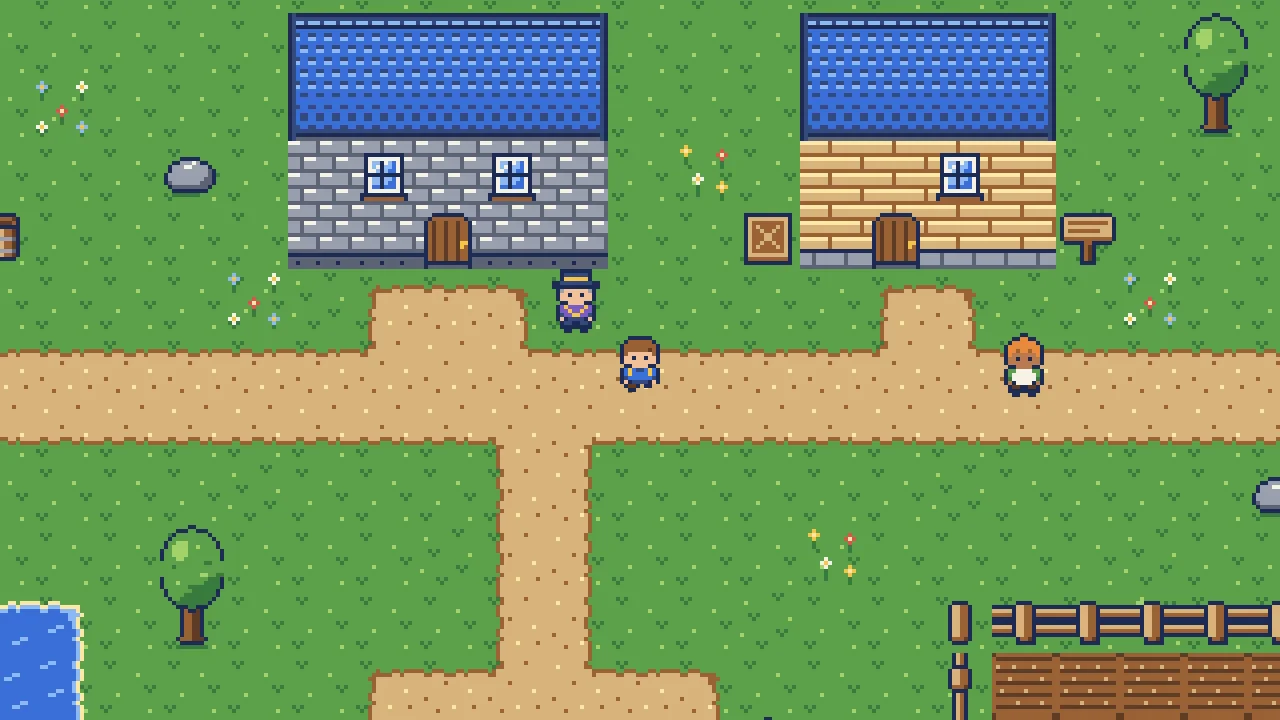
Every picture here is from Fernhollow, a game we made by following the 21 missions. You build the same pieces, then change the map, the story and the creatures until the game is yours.
Play it

Play the finished game.

This is Fernhollow, the game in the pictures, exported from Godot to run in a web page. Mission 19 shows you how to export yours the same way. It's 39 MB, so it only downloads when you choose to play.
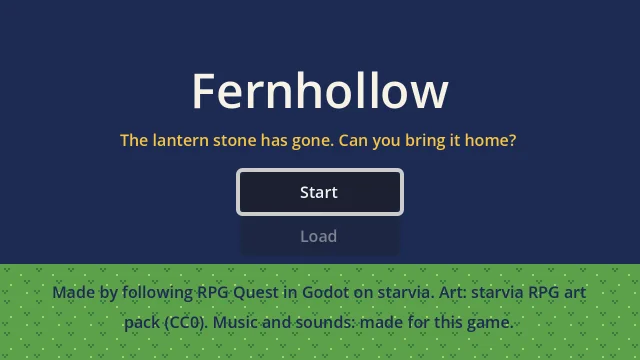
Fernhollow's title screen. “The lantern stone has gone. Can you bring it home?”, with Start and Load buttons.

This game needs a keyboard. You can load it on a phone or tablet, but you won't be able to walk around.

  • Arrow keys or W A S D move
  • Space or E talk and pick
  • Esc or M open the quest log

Sound starts after your first click or key press, because browsers wait for one.

Saves stay in this browser on this computer.

Syllabus

What's in the path.

  1. 01

    The overworld

    the Godot editor, your first GDScript, grid movement, tile maps, doors between maps, people who wander
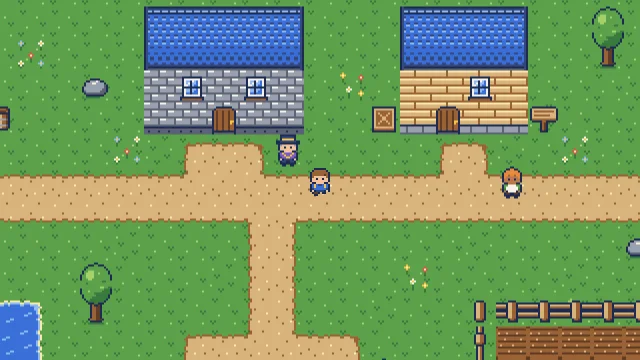
    A pixel-art village with stone and wooden houses, a dirt path, three villagers and a pond.
    4 missions
  2. 02

    Talking

    a dialogue box, dialogue as data, choices that branch
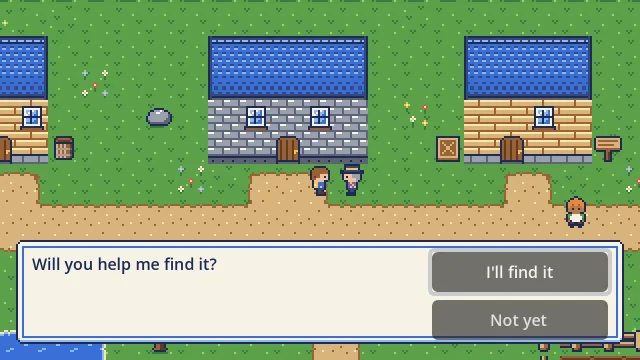
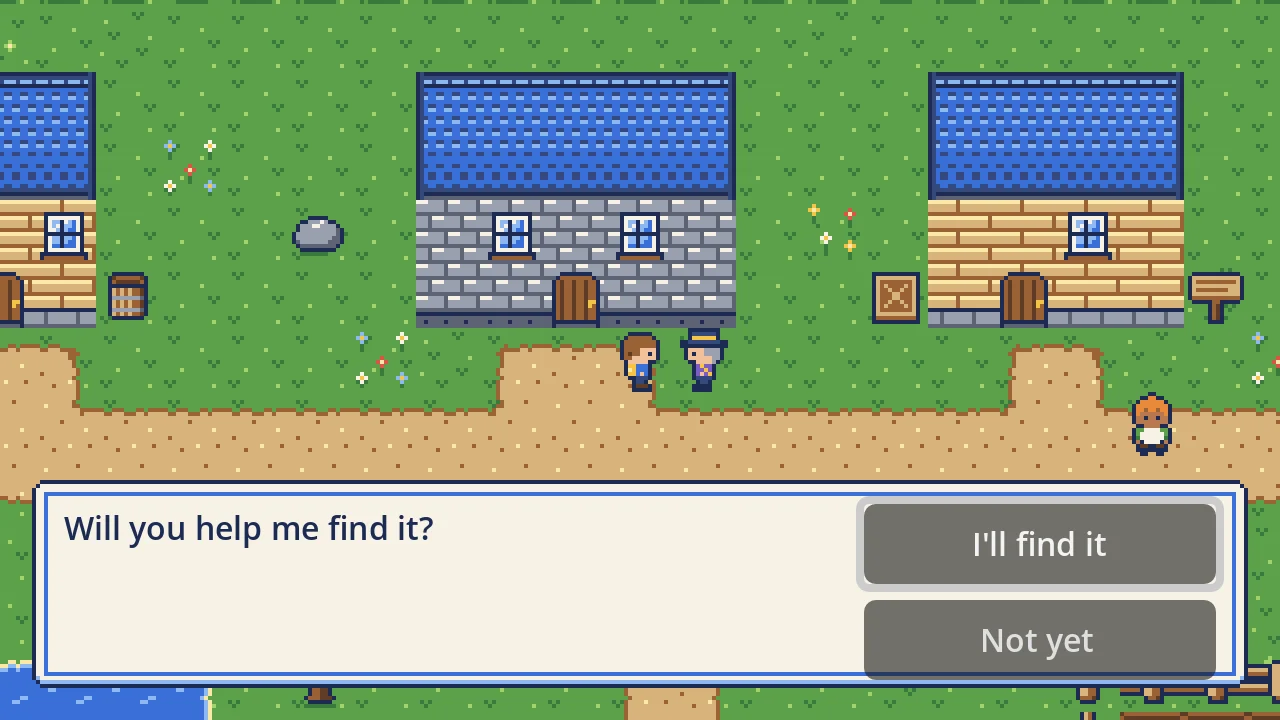
    A villager asks “Will you help me find it?” and two buttons answer “I'll find it” and “Not yet”.
    3 missions
  3. 03

    Story and quests

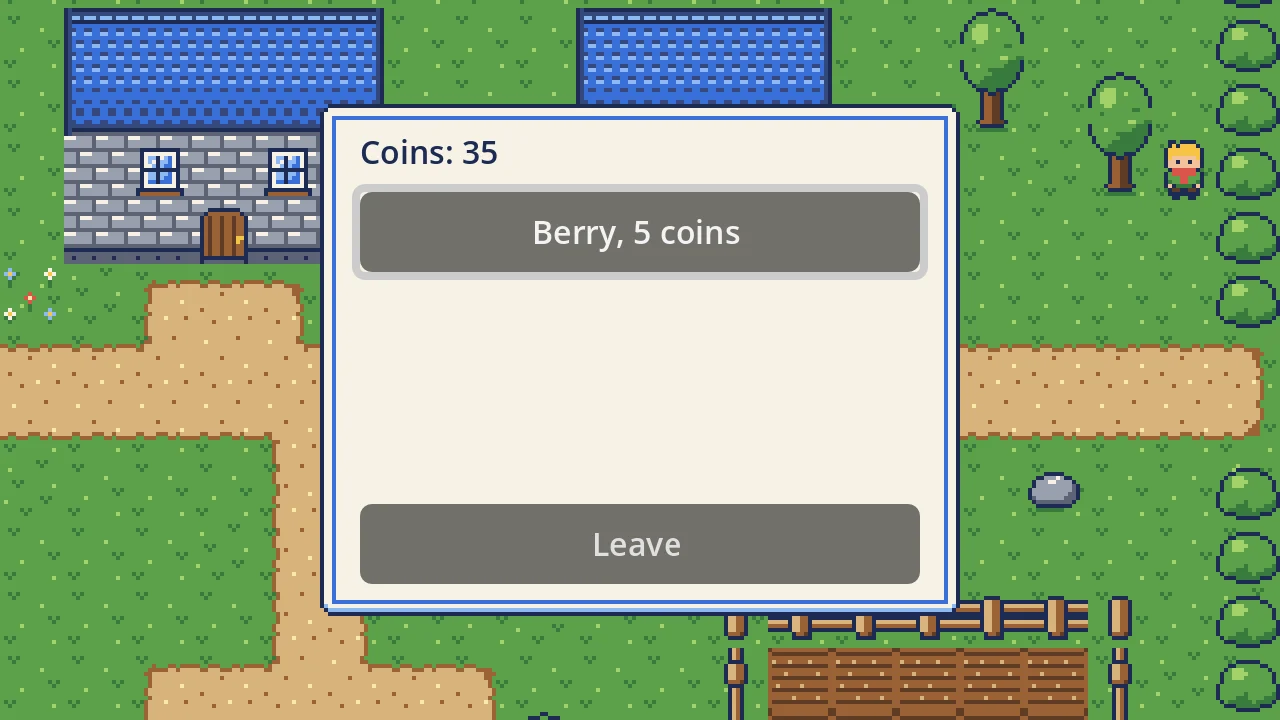
    story flags, a quest log, items and a shop, cutscenes
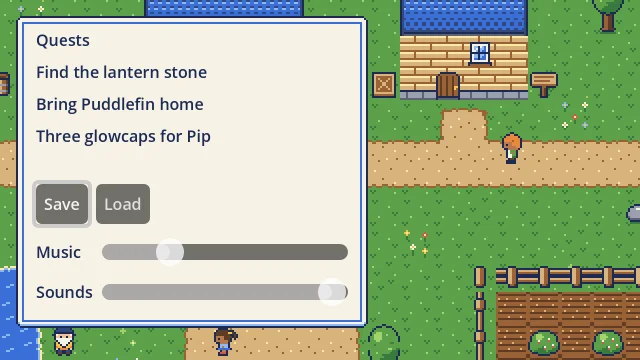
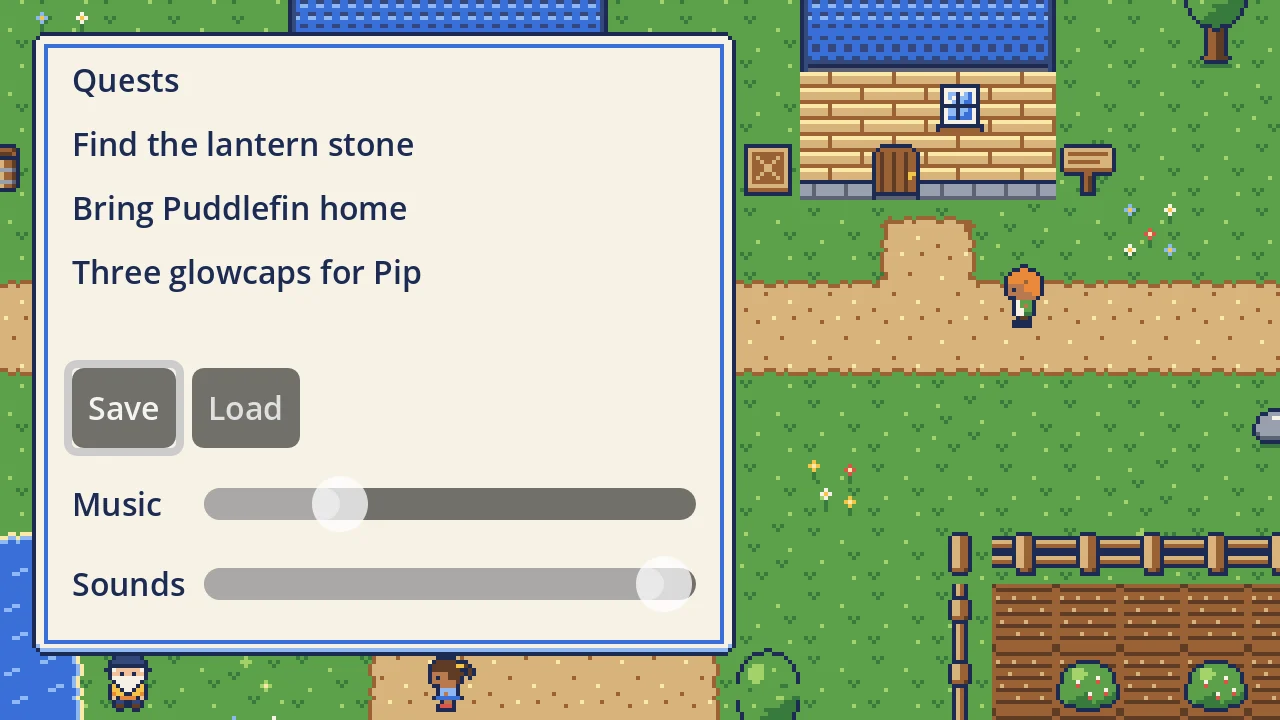
    A menu over the village listing three quests, with Save and Load buttons and sliders for music and sounds.
    4 missions
  4. 04

    Battles

    turns, creatures as data, moves and types, levelling up, befriending, a guardian
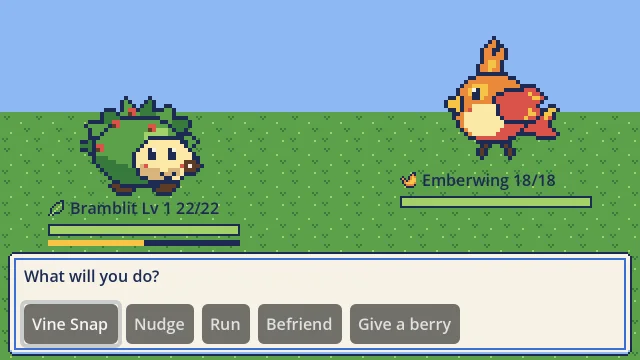
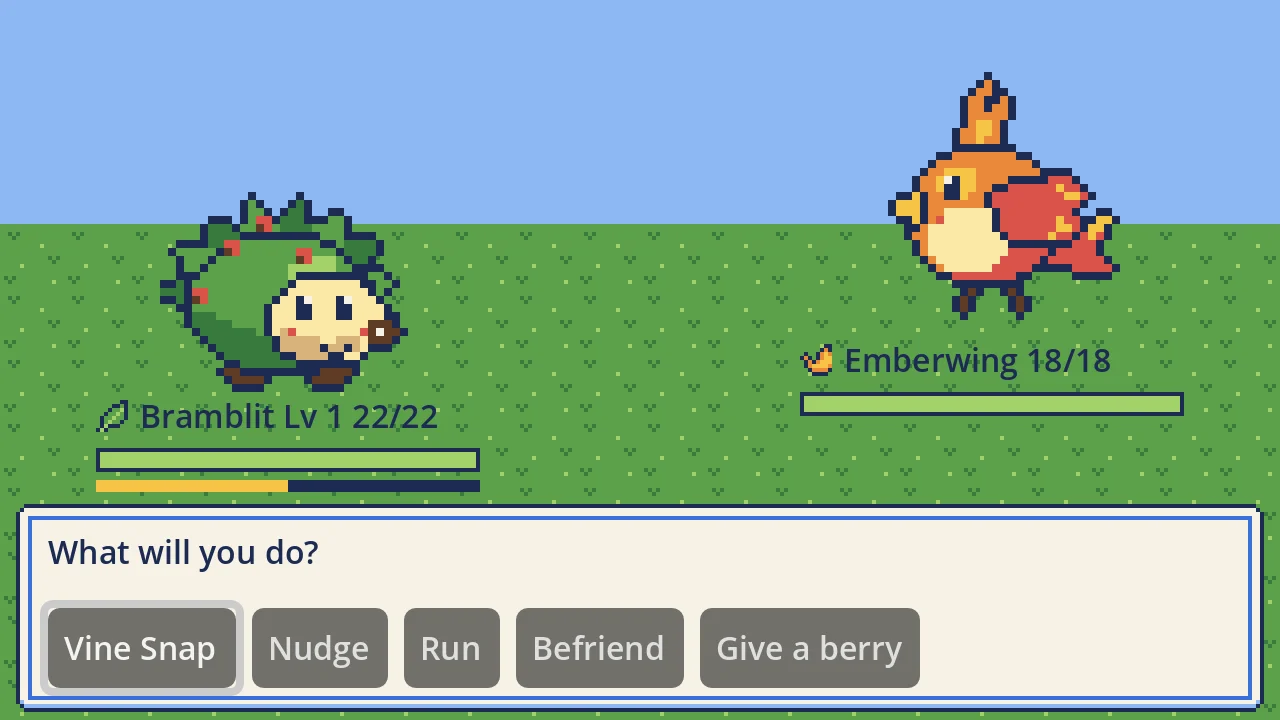
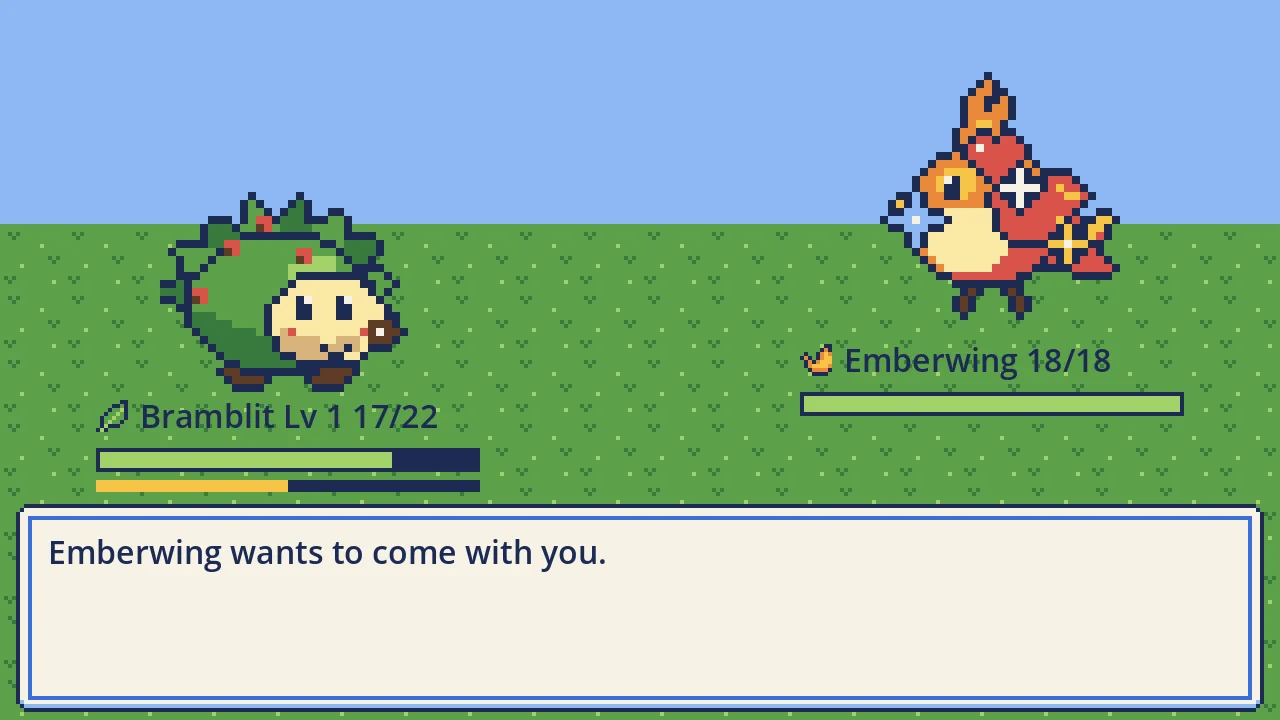
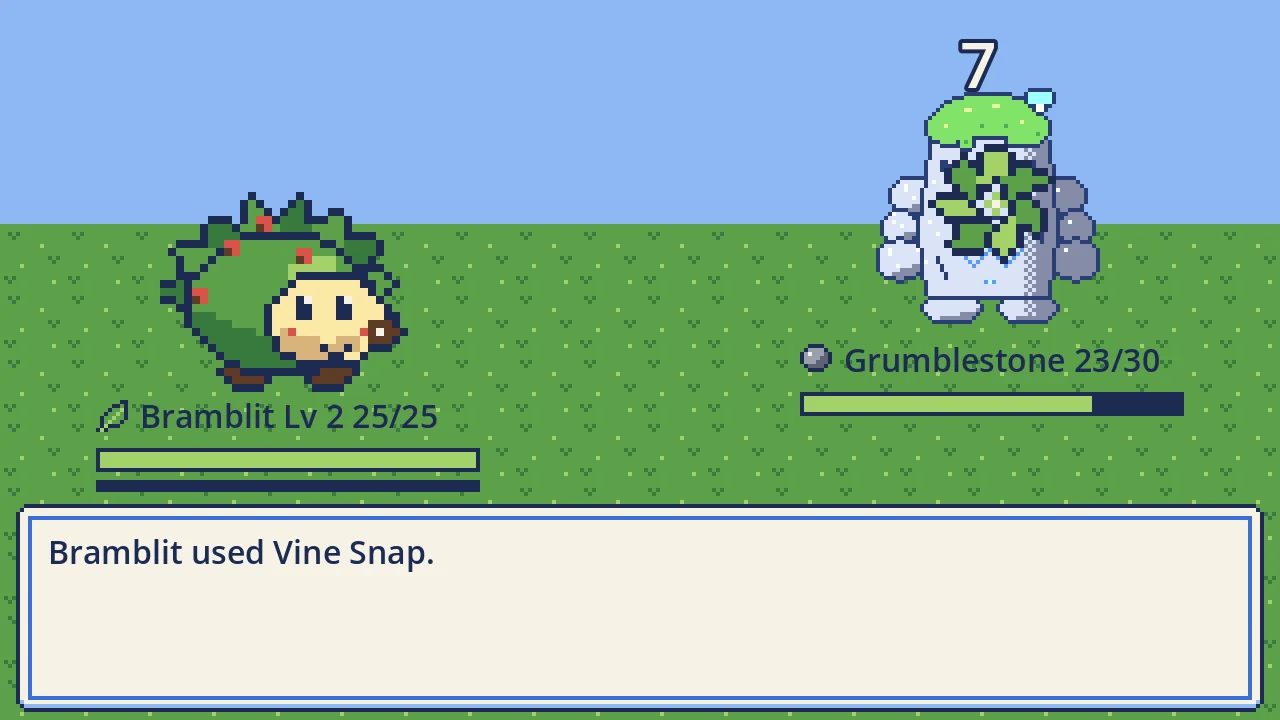
    A battle between Bramblit, a leafy creature, and Emberwing, a fire bird. The buttons say Vine Snap, Nudge, Run, Befriend and Give a berry.
    6 missions
  5. 05

    Polish

    saving and loading, sound and music, lighting and game feel, exporting to the web
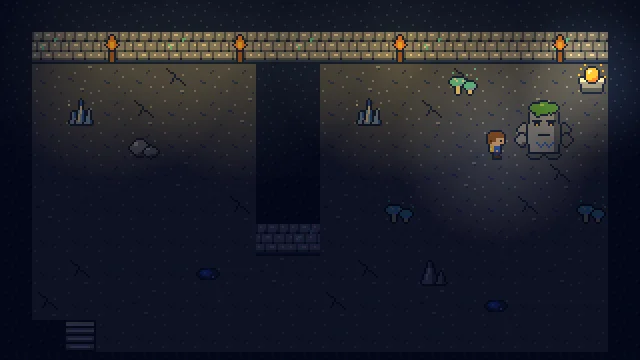
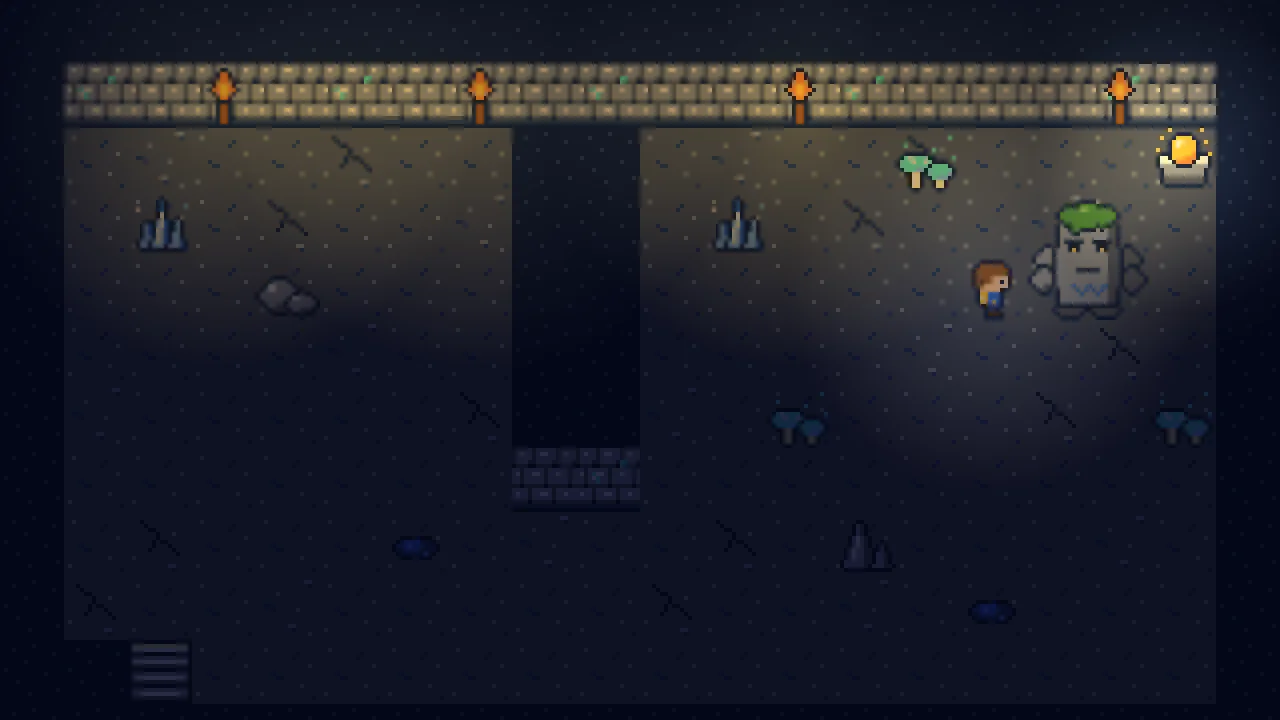
    A dark cave lit by wall torches. The player stands beside a stone guardian, near a glowing stone on a pedestal.
    3 missions
  6. ★

    Project

    Ship your RPG

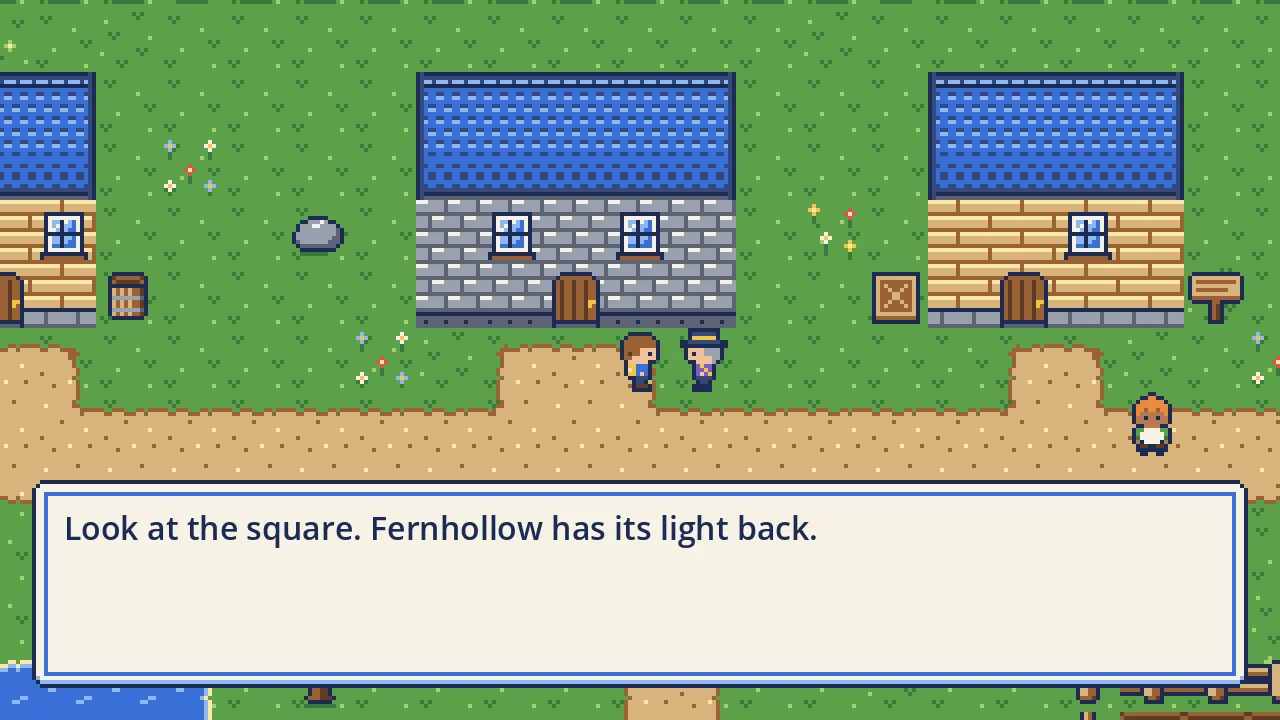
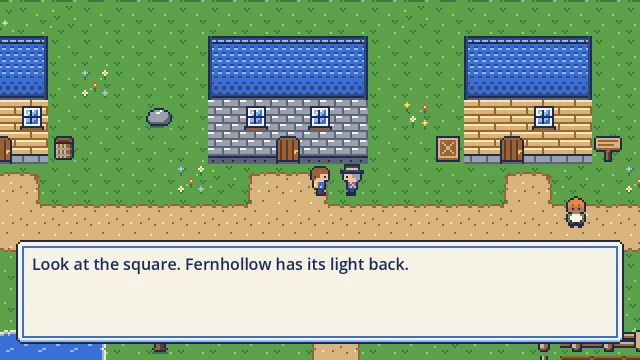
    A villager beside the player says “Look at the square. Fernhollow has its light back.”
    1 mission
Final project

Your RPG

A small RPG with your own map, story, quests and creatures, playable in a browser.
Beyond the code
  • Writing dialogue people actually read
  • Balancing a game from playtest notes
You'll need
  • A laptop (Windows, Mac or Linux)
  • Godot, which is free and we'll help you install
  • Our free art and sound packs, or your own pictures and sounds
  • No Godot experience needed
Free download

The art pack.

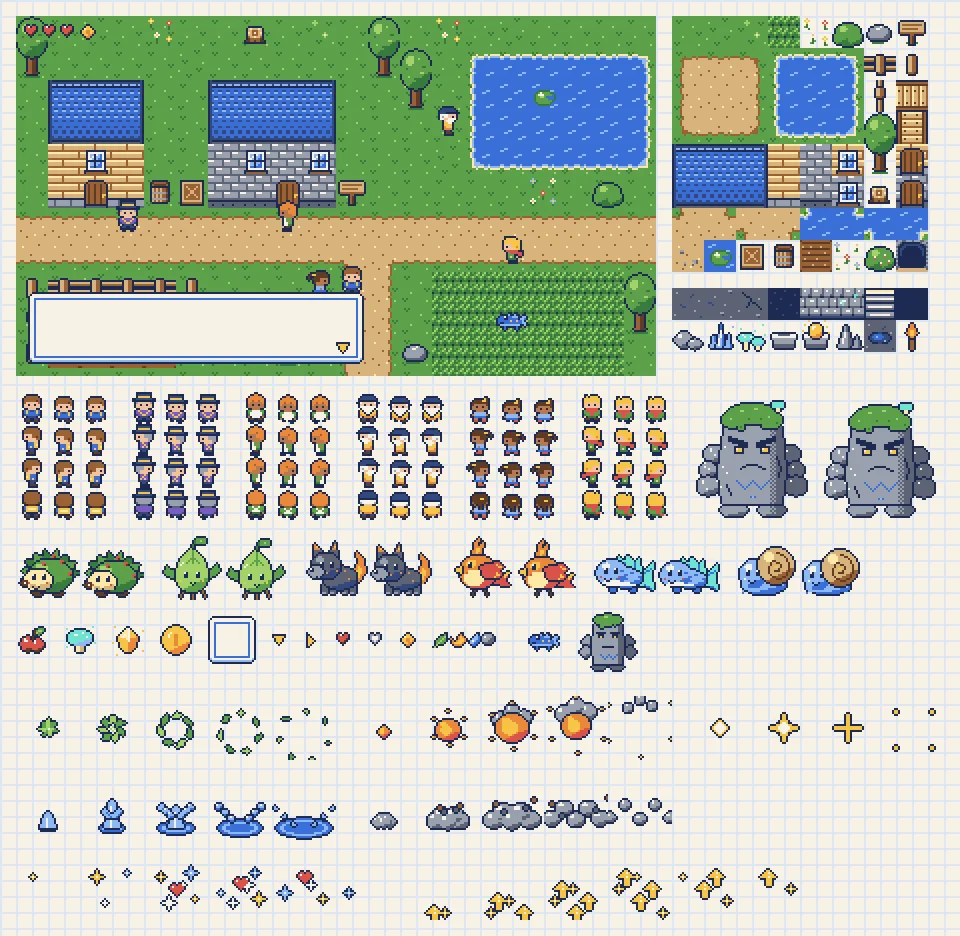
A sheet of pixel art: grass, path, water and house tiles, cave tiles, six characters, seven creatures and items.

Tiles for a village, a path and a cave, six characters, seven creatures, items and a dialogue box, drawn on a 16 pixel grid. Free to use for anything (CC0). The path uses it from mission 1, and you can have it now.

For parents and carers

What parents ask about this path.

  • £39, paid once. No subscription, and it stays in their library for life.
  • 21 missions, about 21 hours in all. They can stop for weeks and carry on where they left off.
  • Godot is a desktop app, so this path needs a laptop or desktop computer.
  • Godot is free and open source. There's nothing else to buy.
  • They make the game in Godot on their own computer, so the project files are theirs to keep, change and share.
  • Battles are turn-based, between cartoon creatures, and some creatures can be befriended instead of beaten.
  • When they share their game, the path asks them to agree how with you first, and to share it only with people they know.
  • starvia has no chat, no ads and no public profiles. Learners can't message anyone on it.

More in what parents want to know and our safeguarding page.

Questions

Questions about RPG Quest in Godot.

Do I need to have done Game Dev in Godot first?
No. This path starts from the beginning of Godot. Mission 1 installs it, and each mission teaches the Godot and GDScript it uses, with practice before you build. Game Dev in Godot makes a different game, a platformer, and is a good companion if you'd like a second one. You can do them in either order.
Can I do it on a phone or tablet?
No. Godot is a desktop app, so you need a laptop or desktop computer running Windows, macOS or Linux. The game you make runs in a web browser, so people can play it without installing anything.
What do I need to install?
Godot 4, which is free, and its web export templates when you get to exporting. Mission 1 installs Godot and sets up the project and the art pack step by step.
Can I use my own art?
Yes. The missions use the starvia art pack's file names, so it's simpler to follow along with it, then swap in your own art for the project. The pack is CC0, so you can also keep it in anything you make.
Can I share the game I make?
Yes. Mission 19 exports it for the web, and in the project you playtest it with two people you know, then share it the way you agreed with a parent or carer. It's your game, and starvia doesn't host it.
Next

Pairs well with.

CodeReady now

Python from Zero

Build a text adventure and a quiz bot.

~10 hoursBeginner

£34for life
CodeBetaReady now

Game Dev in Godot

Build a 2D platformer you can send to friends.

~16 hoursIntermediate

£39for life